 Master
 Xtream Codes & M3U
Log in with server, username and password, paste an M3U link, or import a file from the device.
get.php links auto-detectedIPTV player for Android TV & phones
Master Player plays your own Xtream Codes accounts and M3U lists with a fast TV guide, movies, series and favorites. Built for the remote first, and just as easy on a phone.
● Media player only. No channels included.
Features
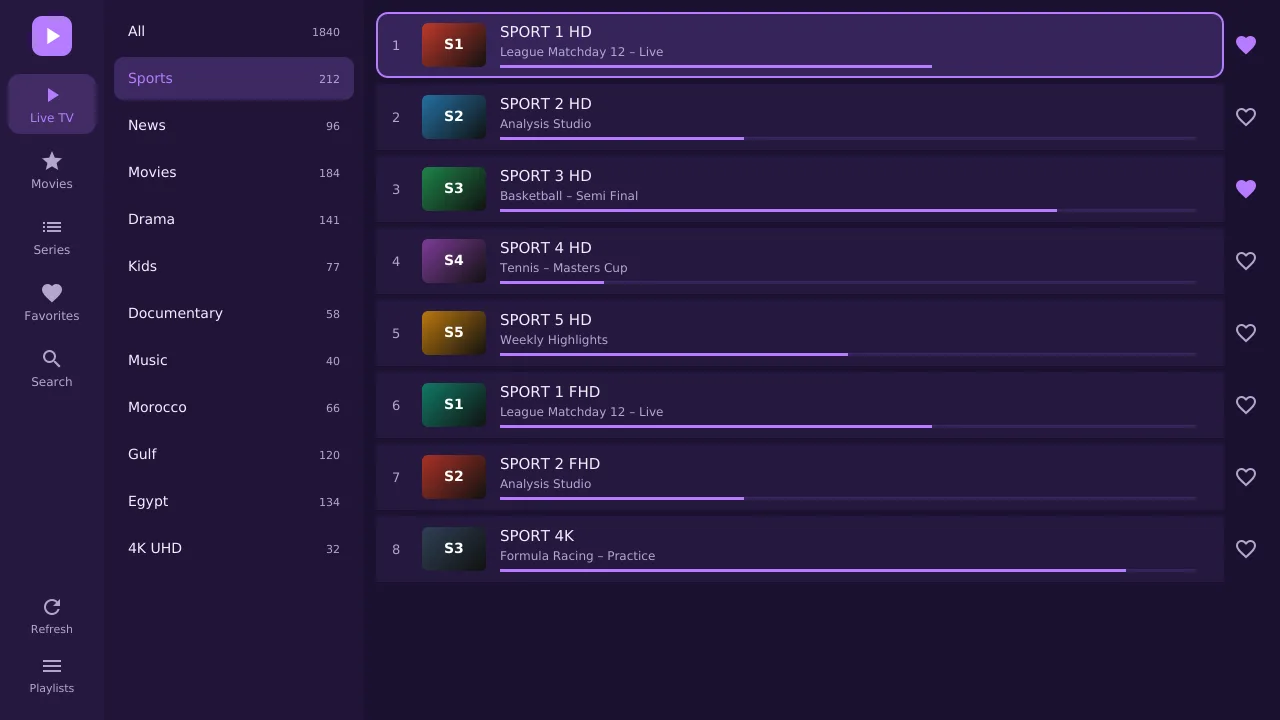
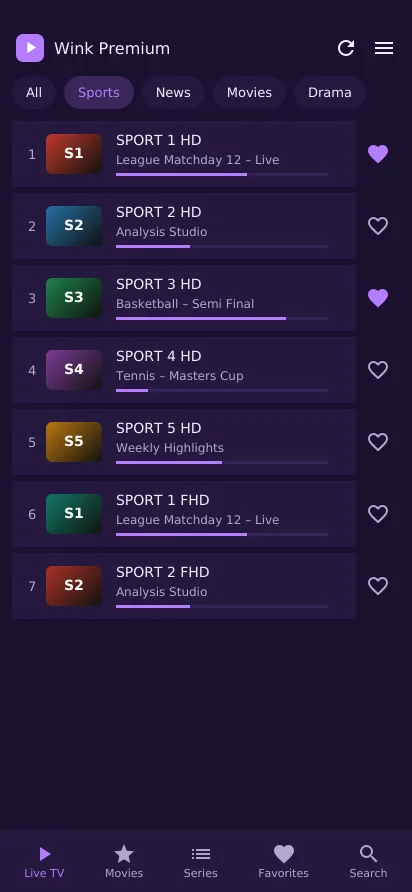
Add a list once and get live TV, a programme guide, movies and series in separate sections, with your place remembered.
Log in with server, username and password, paste an M3U link, or import a file from the device.
get.php links auto-detectedSee what is on now and next, with a progress bar on every channel row and in the player.
XMLTV · gzip · Xtream short EPGPosters, ratings and plots. Series open by season, and the next episode starts on its own.
Auto-next episodeStop a film halfway and it picks up from the same minute next time.
Saved per titleHeart a channel, movie or series and find them together in one place.
Per playlistOne search box covers channels, movies and series across the whole list.
Results as you typeUp and down change channel, OK opens the channel list, left and right show what is playing.
D-pad · CH+ / CH−Keep as many lists as you need and switch between them. Xtream accounts show their expiry date.
No list limitIf a stream drops, the player reconnects by itself and tries HLS when a server needs it.
Auto-retry · TS & HLSInside the app
Big focus rings you can see from across the room, and every screen reachable with the arrows and OK.
Getting started
Download Master Player on your Android TV, TV box, Fire TV Stick or phone. Your MAC address is shown on its home screen.
Enter your Xtream Codes details in the app, or send them from this site with your MAC address.
Live TV, movies and series load in seconds. Activate before the 7-day trial ends to keep going.
Pricing
Every plan is the full app. You pay for the player only; your playlist comes from your own provider.
Activate
Open Master Player and copy the MAC address shown on its home screen.
Manage playlists
Open Master Player: the MAC address and the 6-digit Device key are on its home screen. Enter both to manage that device's playlists.
Resellers
Buy activation credits in bulk, activate customer devices from your reseller panel and set your own price.
FAQ
No. Master Player is a media player. It plays playlists you already have from your own provider. We do not sell or supply any channels, movies or series.
Android TV and Google TV, Fire TV Stick, Android TV boxes, and Android phones and tablets running Android 5.0 or newer.
In the app, choose Add playlist and enter your Xtream Codes details, an M3U link or a file. You can also send it from the Upload list form above using your MAC address.
Each activation covers one MAC address. A second TV or box needs its own activation.
Check that the server address includes the port, that your provider account is active, and try switching the live stream format between TS and HLS in Settings. The app shows the exact error it received.
Try the free 7-day trial first on the device you plan to use. Contact support within 7 days of purchase if something does not work as described.